Creating custom fields in JustAsk workbooks
Most fields in the field picker come directly from your database schema. However, by using custom fields you can also create new ad-hoc dimensions and measures to define custom logic and calculations that can be reused.
Custom fields are built from modeled fields.
Creating a Custom Field
Section titled “Creating a Custom Field”There are a few ways to create a new Custom Field. Once saved, the Custom Field will become available in the field picker.
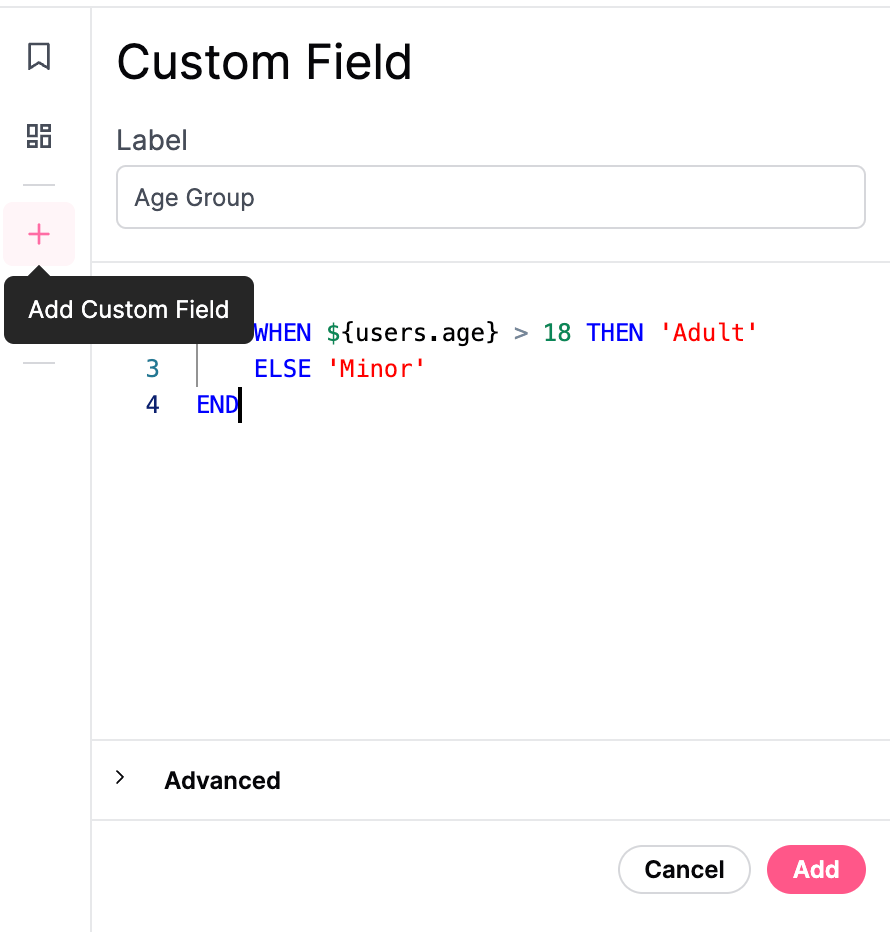
- Fields can be created from field picker, using the ”+ Add Field” menu at the bottom of the field list. Field can also be adjusted by right-clicking on any existing field and selecting ‘Edit.’
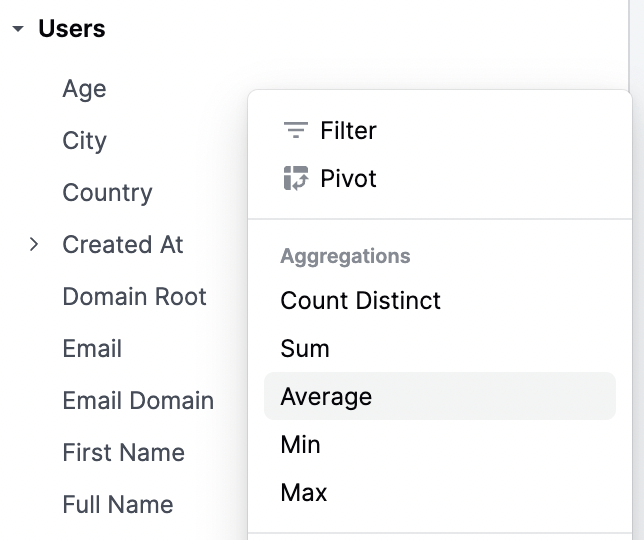
- Right click on any existing dimension and choose an aggregation (e.g. count distinct, sum, average, min, max). This will automatically create a new custom measure that appears in the field picker.
Duration fields
Section titled “Duration fields”Duration fields calculate the time difference between two timestamp fields in configurable intervals (days, hours, weeks, etc.). You can create duration fields directly from the workbook UI.
To create a duration field:
-
In the field picker, right-click on a timestamp field you want to use as the start timestamp.
-
Select Duration from the context menu.
-
In the duration configuration panel, select an end timestamp field.
-
Toggle the intervals you want to generate, such as days, hours, weeks, or months.
-
Click Save to create the field.
The new duration field will appear in the field picker with a sub-field for each selected interval.
To remove a specific interval from an existing duration field, right-click on the interval sub-field and select Delete. This removes only the selected interval from the parent duration field rather than deleting the entire field.