Maps
Point maps
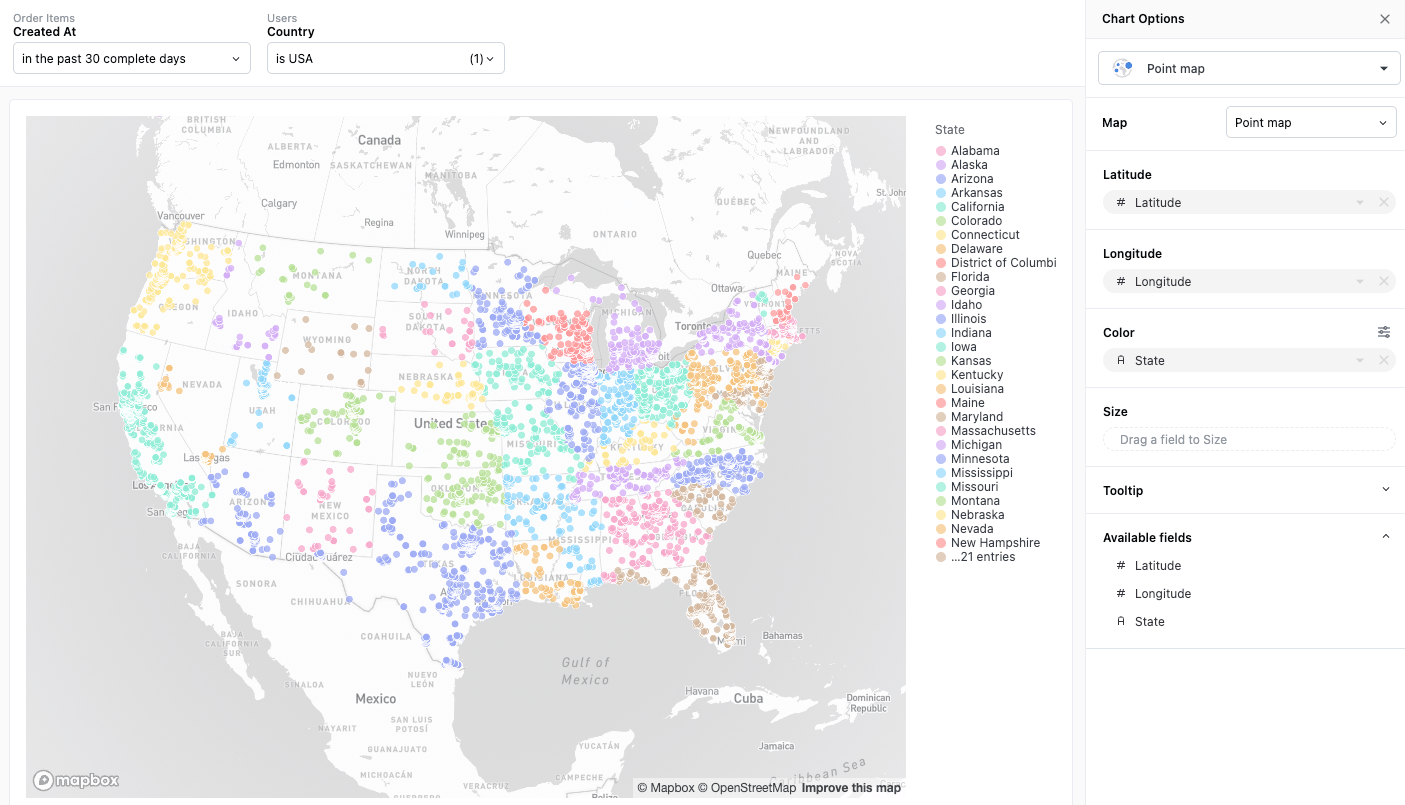
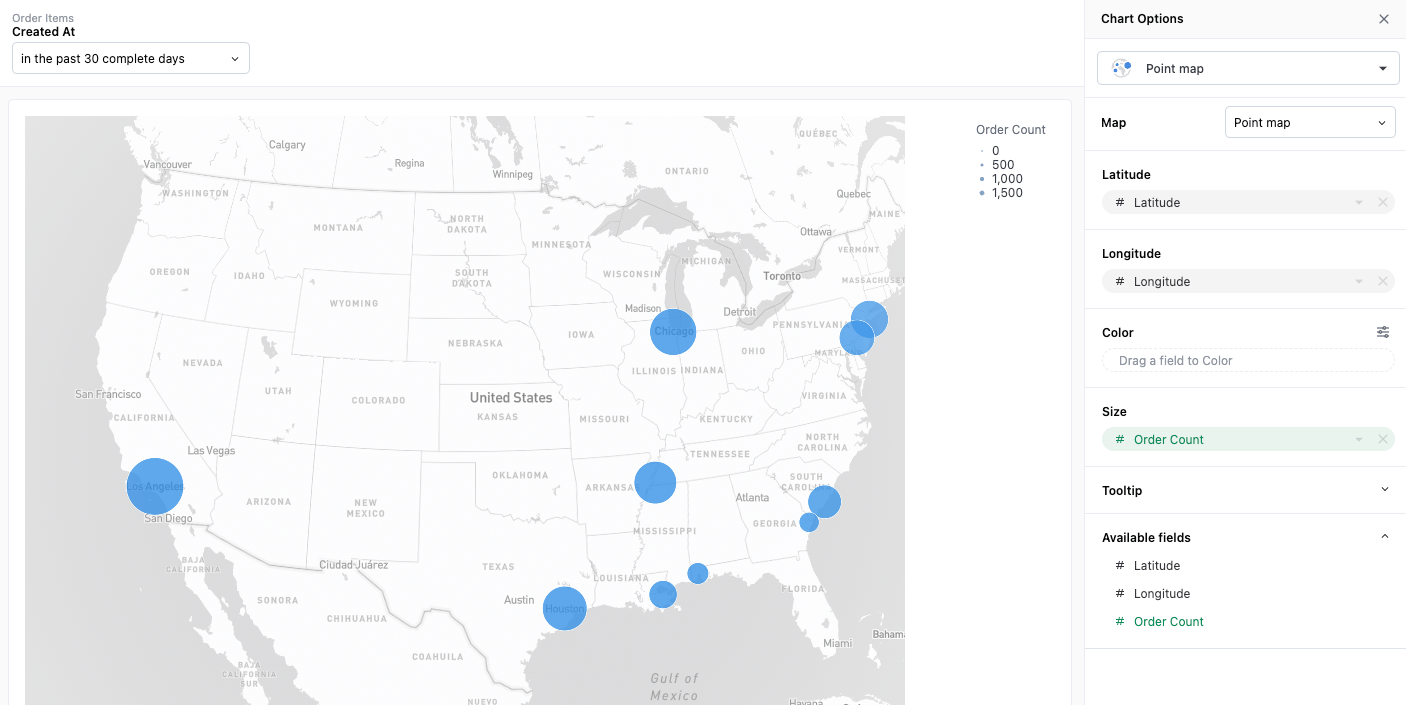
Section titled “Point maps”Data with latitude-longitude pairs can be visualized as a point map. Points can be sized and colored by additional properties in the dataset.
Map with Color Pins
Map with Sized Pins:
Region maps
Section titled “Region maps”Data with region-based location information can be visualized as a region map. JustAsk offers region-based mappings for countries and US states out of the box, and offers a custom region option for greater flexibility.
Built-in countries
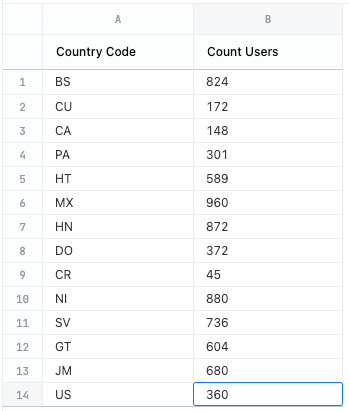
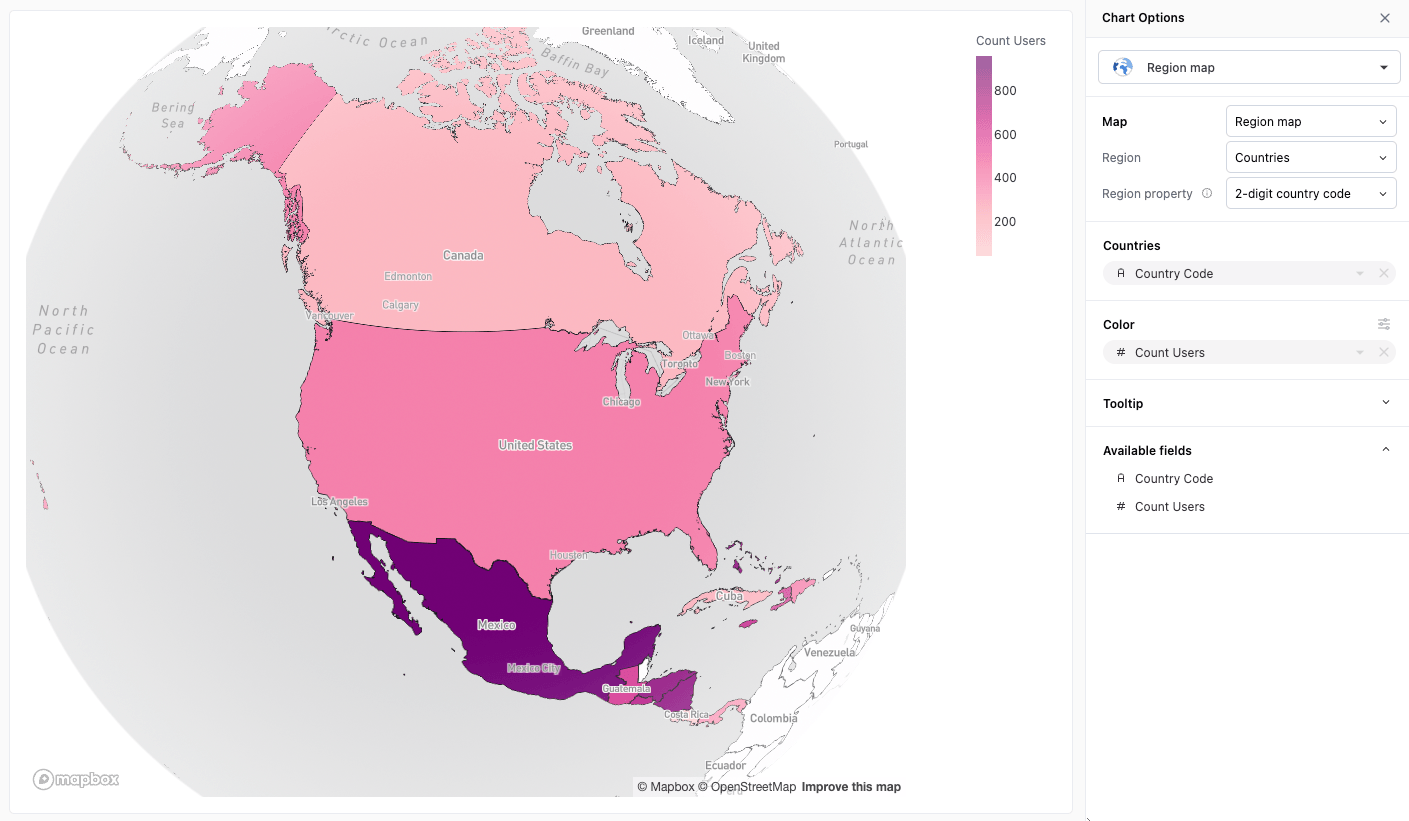
Section titled “Built-in countries”Country region data can be mapped against your dataset by either country name, 2-digit country code or 3-digit country code.
| Dataset | Map |
|---|---|
 |  |
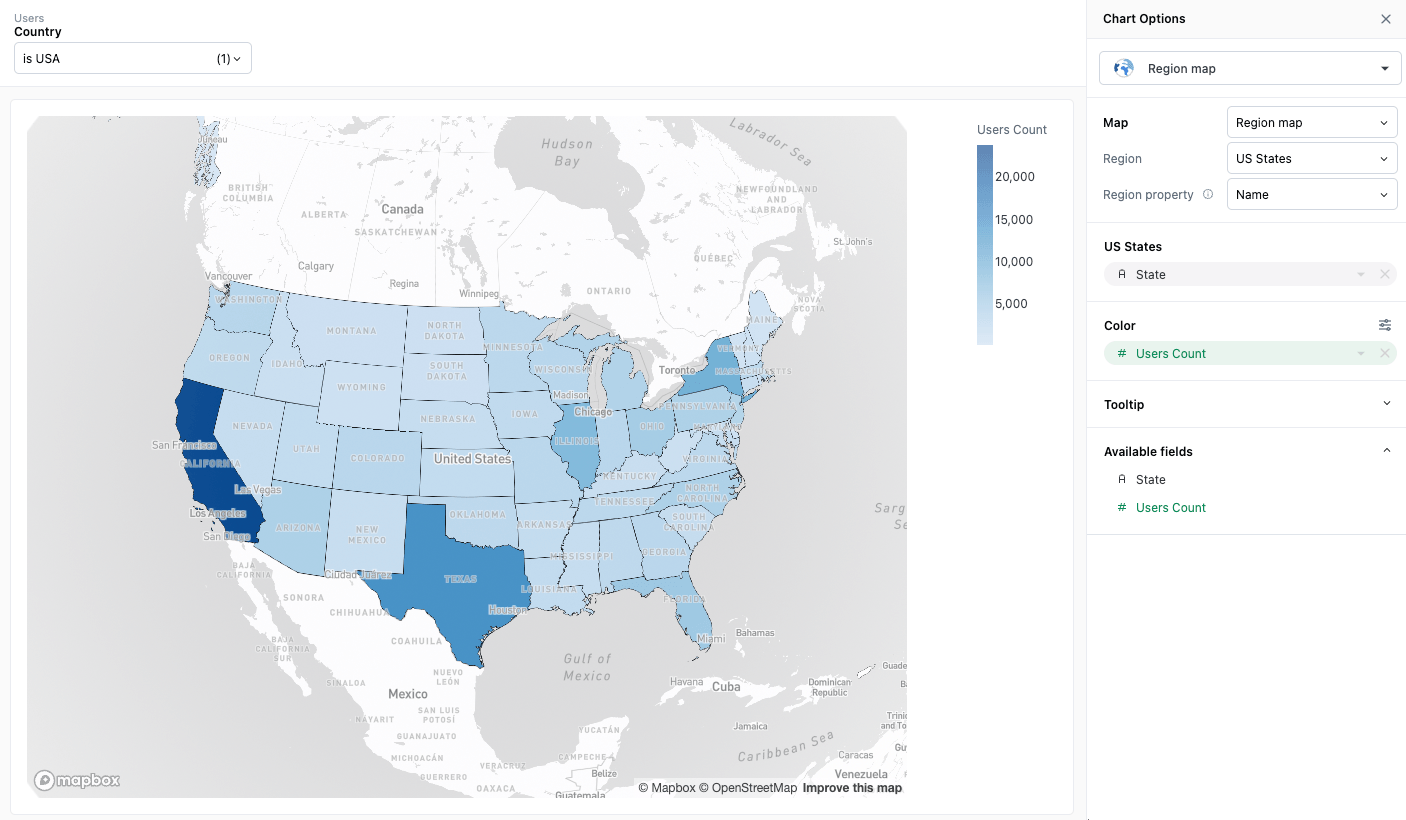
Built-in US States
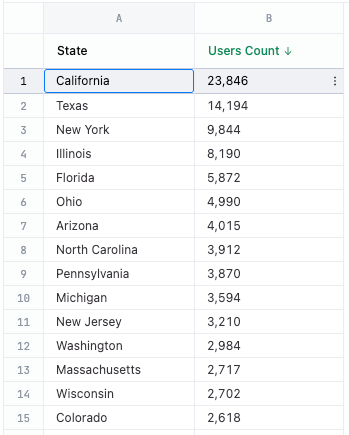
Section titled “Built-in US States”US state region data can be mapped against your dataset by either name or 2-digit code.
| Dataset | Map |
|---|---|
 |  |
Custom Regions
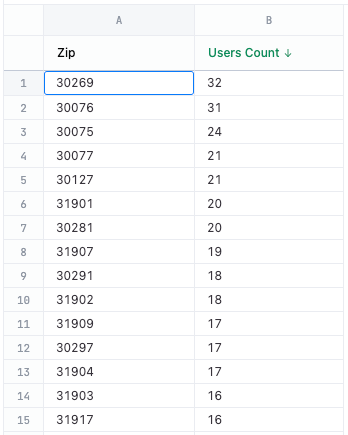
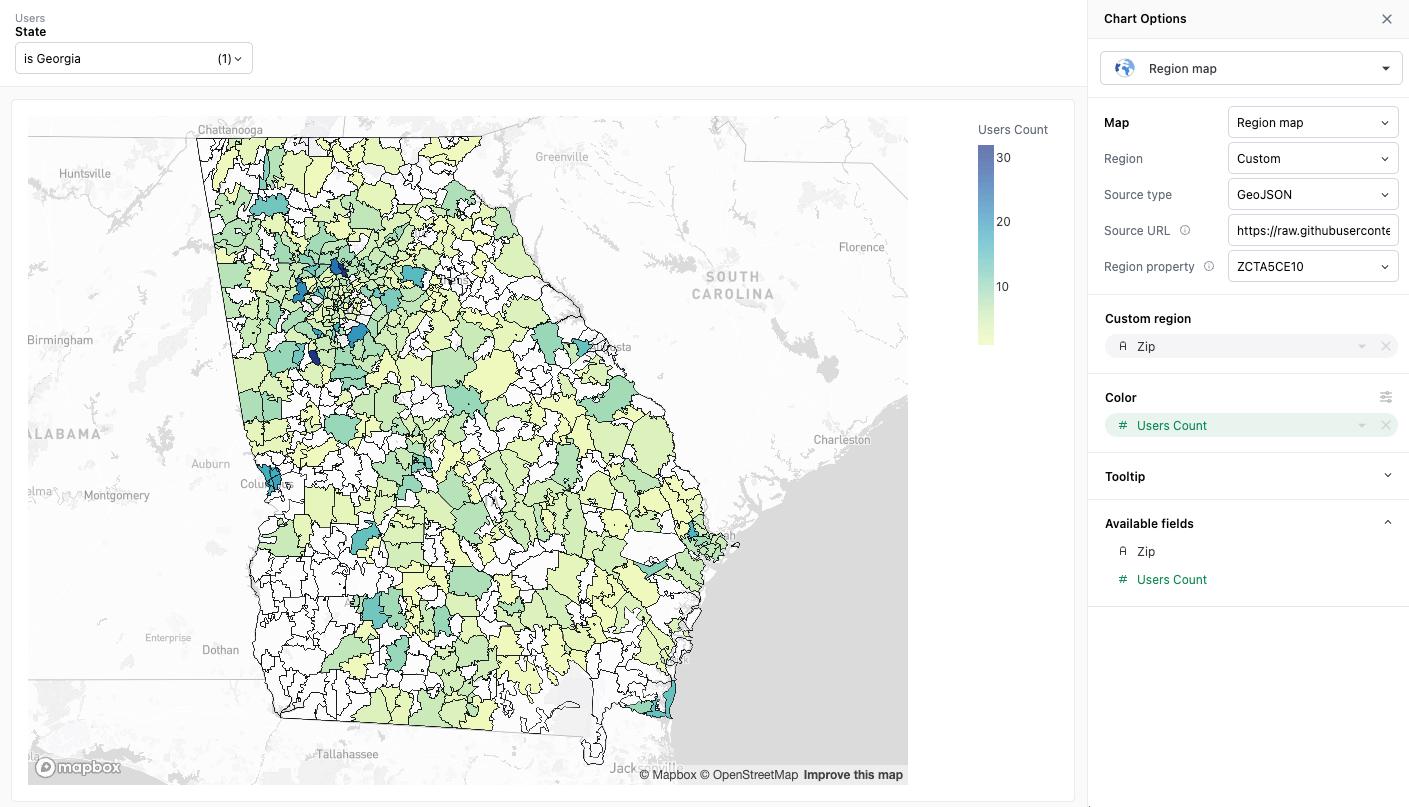
Section titled “Custom Regions”JustAsk allows you to specify your own region data via URL. You can specify an endpoint that returns region data complying to either the GeoJSON or TileJSON specifications.
In order to use custom regions, you’ll need to set your region type to “Custom” and then fill out the following fields:
- Source type - specify whether your region source is GeoJSON or TileJSON
- Source URL - the URL from which to load your GeoJSON or TileJSON data
- Source layer (TileJSON only) - the layer within the TileJSON specification you want to map against
- Region property - the property in the GeoJSON or TileJSON data that you want to map against
| Dataset | Map |
|---|---|
 |  |
Color configuration
Section titled “Color configuration”Both region maps (filled maps) and point maps support gradient color scale value pins when coloring by continuous numeric fields. This allows you to pin specific minimum, midpoint, and maximum values for the color scale instead of always using the automatic data range.
For example, if you want to ensure that a specific value always maps to the same color across different time periods or regions, you can pin the min and max values of the color scale to maintain consistent color mapping.
For more information about configuring gradient color scales and pinning values, see Gradient color scale values.
Projection types
Section titled “Projection types”Point and region maps support 2D (mercator) and 3D (globe) projections.
| 2D (Mercator) | 3D (Globe) |
|---|---|
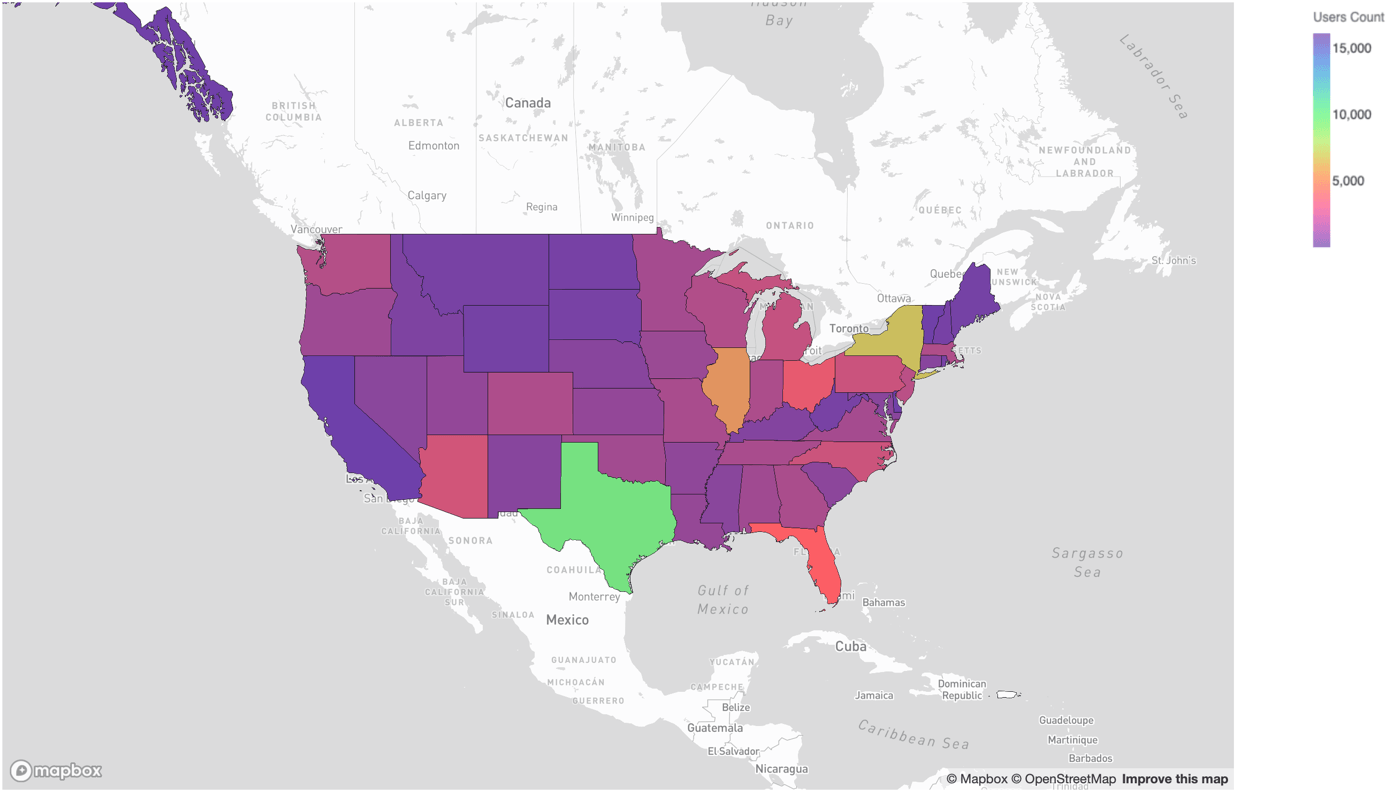 | 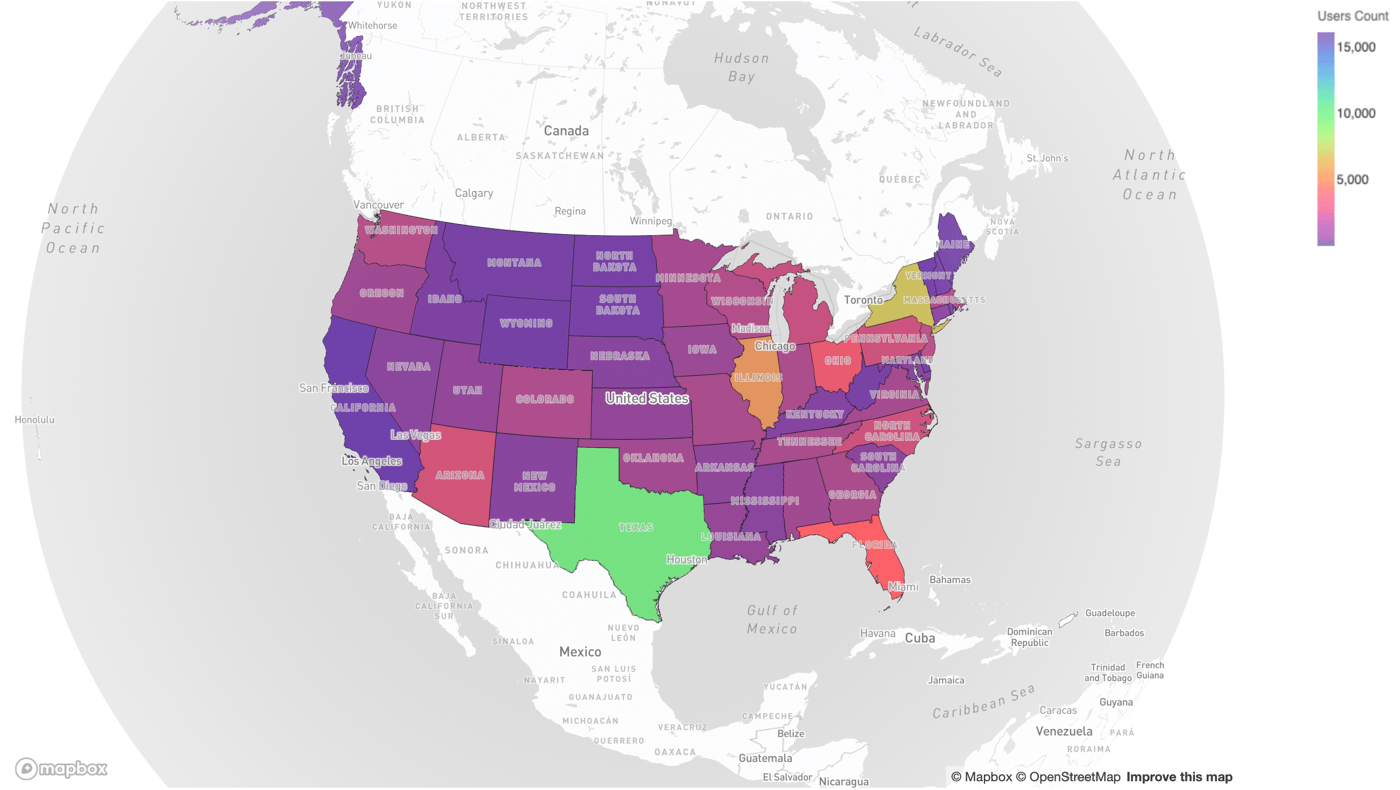 |
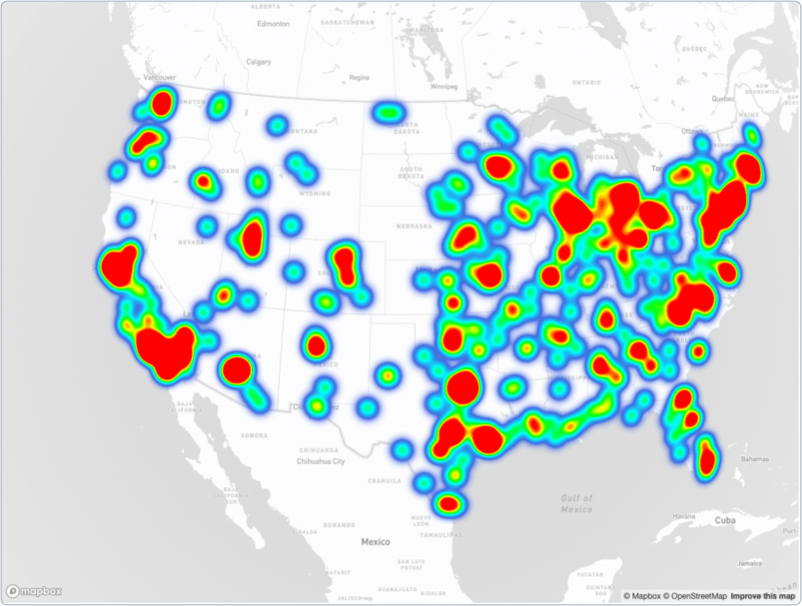
Point maps also support heatmap projections:
Zoom on scroll
Section titled “Zoom on scroll”Point and region maps capture the mouse wheel by default, so scrolling the page over a map zooms the map instead. To change this, uncheck Zoom on scroll in the map editor. When this setting is disabled, scrolling over the map scrolls the page, and the zoom buttons in the map toolbar still work.
Custom visualizations
Section titled “Custom visualizations”More complex map visualizations can be unlocked using advanced visualization.