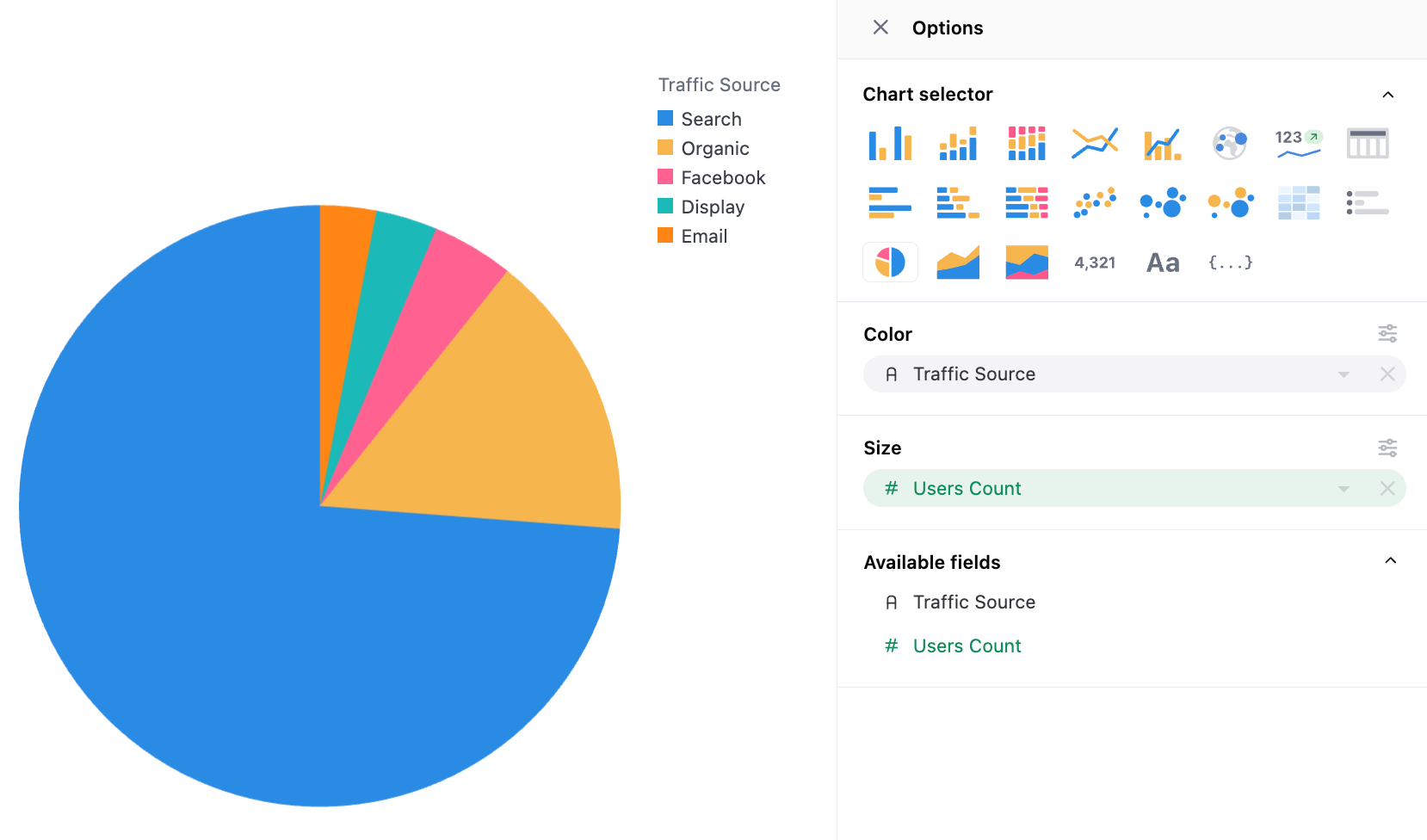
Pie & Donut charts
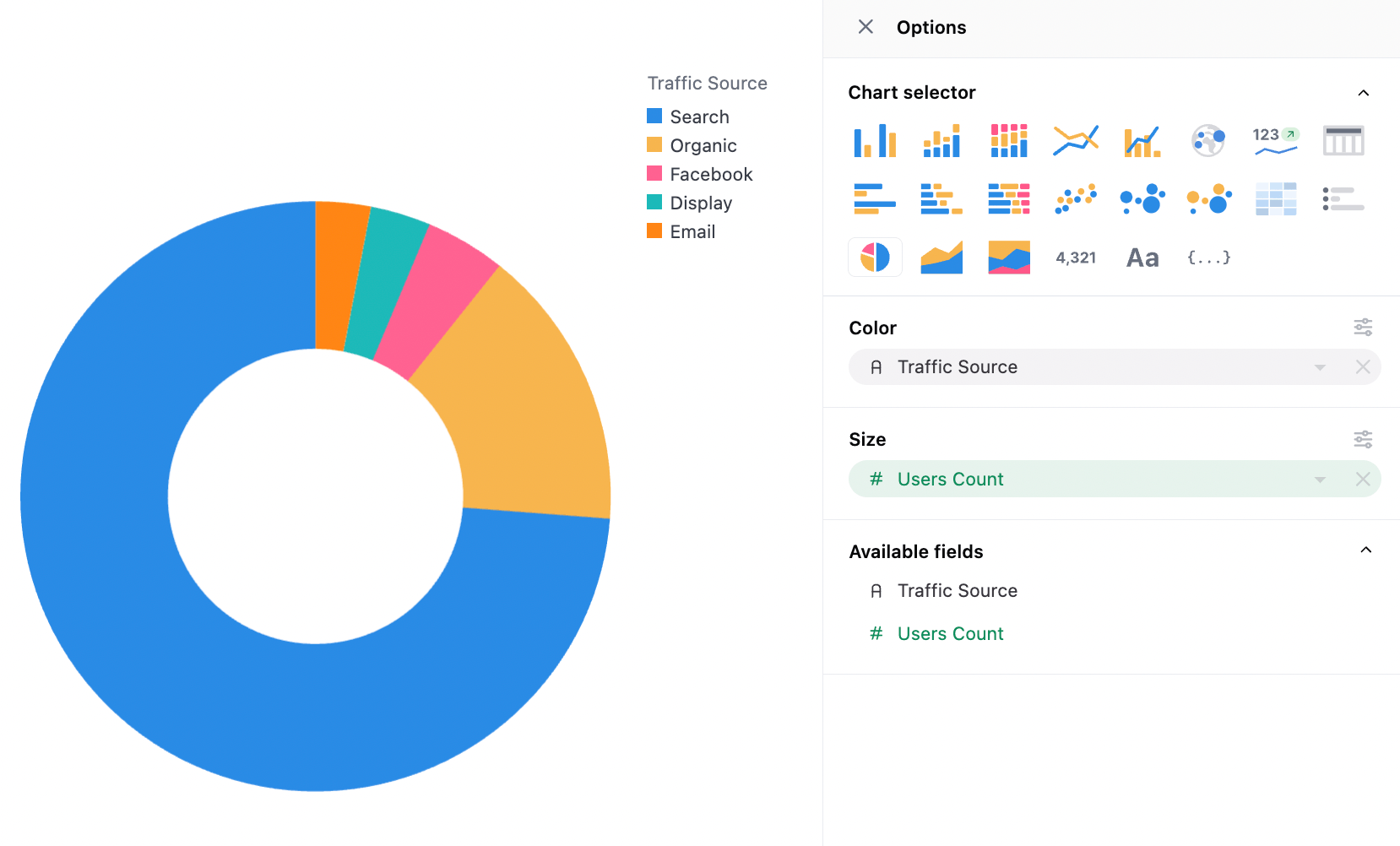
Donut:
Data Structure
Section titled “Data Structure”Pie charts only use two series, the color and the size. If two series are needed in the color, it’s recommended to concatenate columns together.
Configuration Notes
Section titled “Configuration Notes”Pie charts use the same color controls as all other charts (more here).
Color configuration
Section titled “Color configuration”Pie charts support gradient color scale value pins when coloring by continuous numeric fields. This allows you to pin specific minimum, midpoint, and maximum values for the color scale instead of using automatic data ranges.
Pinning these values is useful when you want to maintain consistent color mapping across multiple pie charts or ensure specific values always map to the same colors.
For full details on configuring gradient color scales, see Gradient color scale values.
Inner Radius
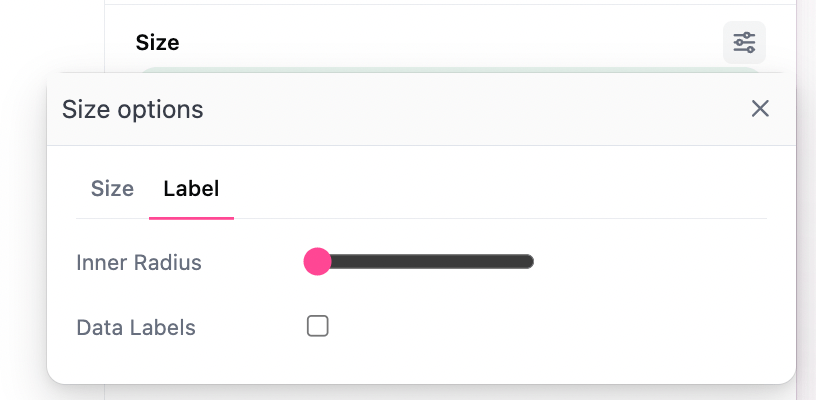
Section titled “Inner Radius”Inner radius will transform the chart between a filled-in pie chart and donut charts of varying thickness:
Pie Labels
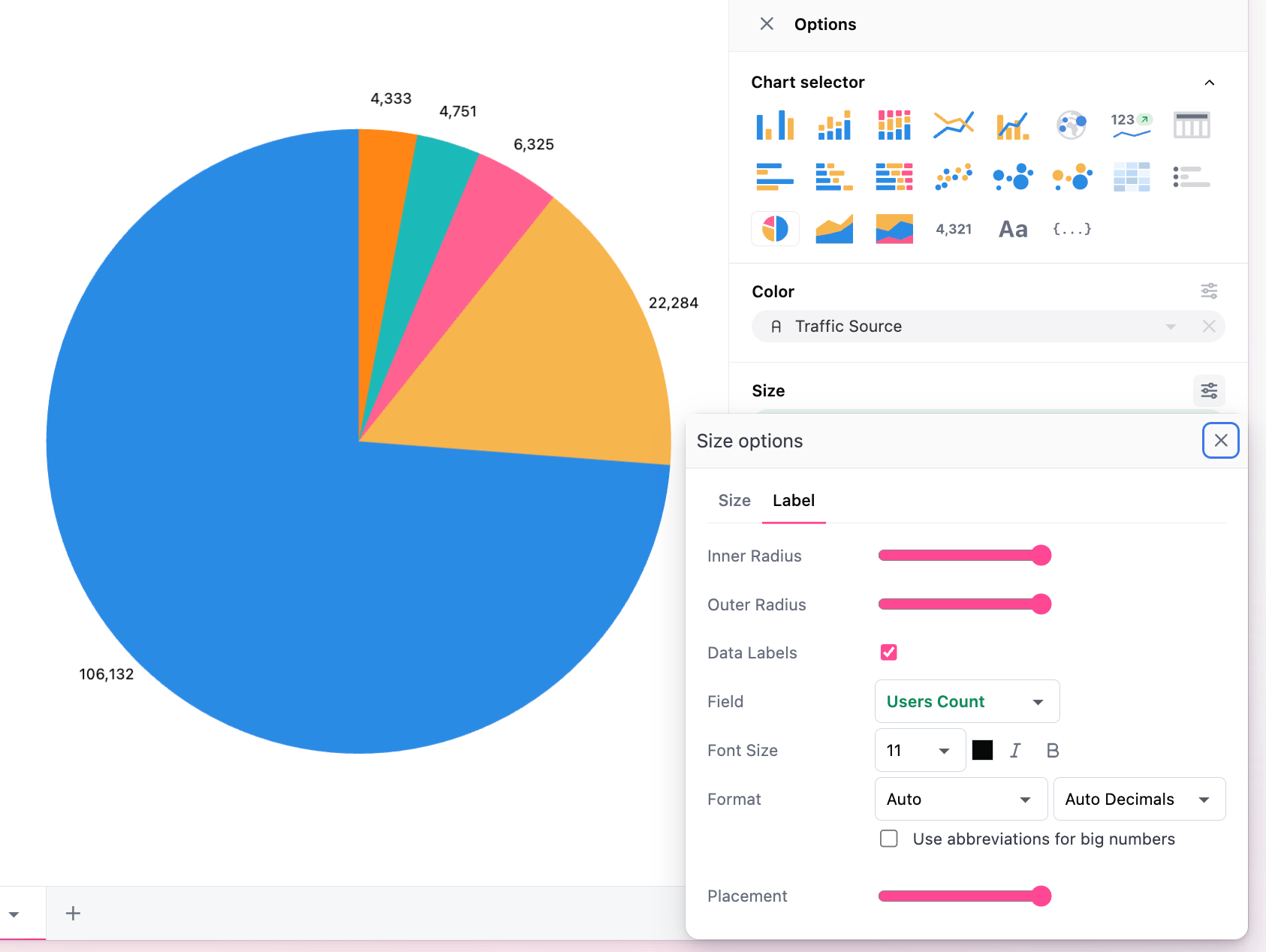
Section titled “Pie Labels”Labels are the only other pie-specific configuration available, including inner/outer radius controls, the series mapped to labels, and layout controls for where the label appears. The controls appear under size configuration as shown: